Smart Home Energy Saving: Cut Your Electricity Bill With the Right Devices
Smart plugs, heater timers and AC controllers can cut wasted power and stretch inverter backup. Here is where the savings come from and what to buy first.

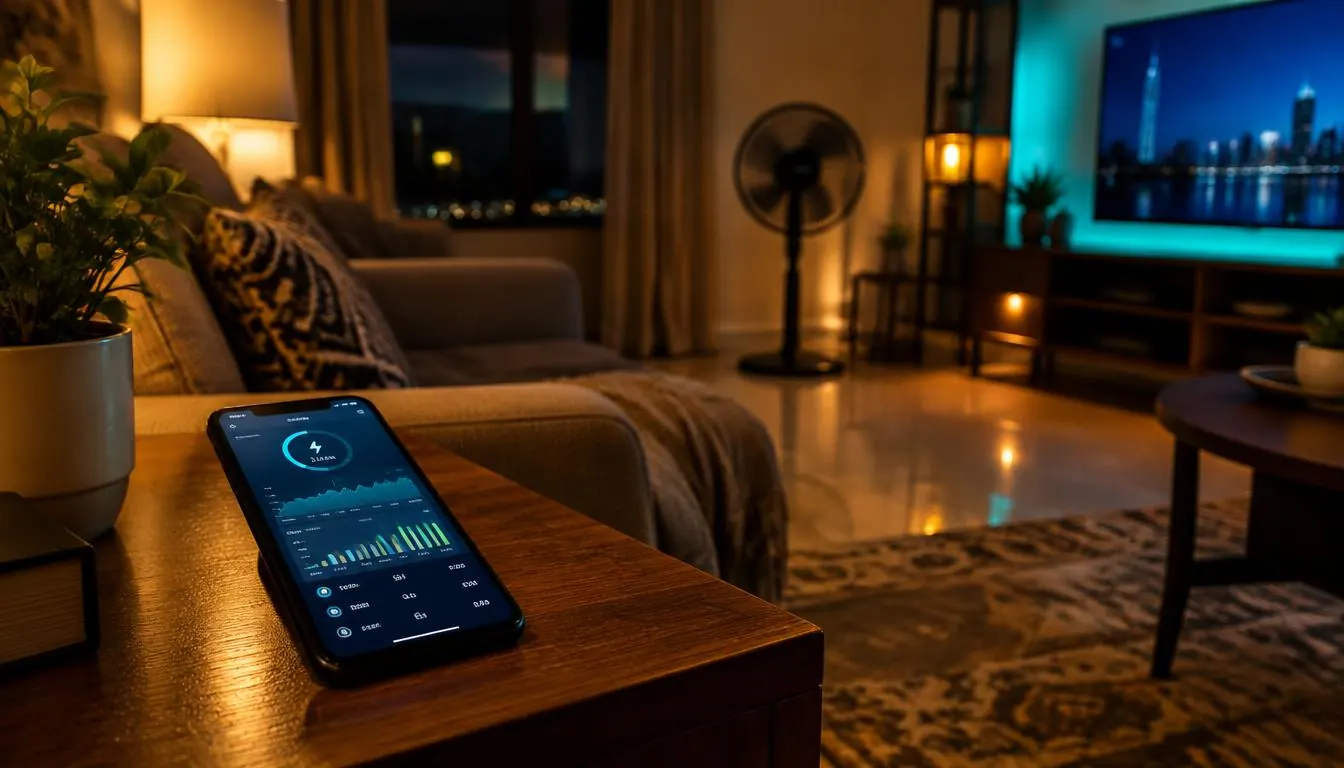
Your electricity bill keeps climbing, prepaid units vanish faster than they should, and the inverter battery dies hours before NEPA restores power. Most of that waste is invisible: a decoder left on standby, a freezer running at full tilt overnight, a water heater nobody switched off. Smart home gear can fix much of this, but only if you buy the right devices and set them up with clear rules. This guide shows where the savings actually come from and which devices are worth your money.
Where the power really goes
Before buying anything, know your biggest loads. In a typical Nigerian home, the heaviest users are:
| Appliance | Typical draw | Why it matters |
|---|---|---|
| Air conditioner (1.5 HP) | 1,100–1,500 W | Largest single load; runs for hours |
| Electric water heater | 1,500–3,000 W | Often left on all day |
| Pressing iron | 1,000–1,200 W | Short bursts, but heavy |
| Freezer / fridge | 100–250 W | Runs 24/7, compressor cycles |
| TV + decoder + sound bar (standby) | 5–20 W | Small but constant "vampire" drain |
The lesson: shaving one hour off an AC or water heater saves more than switching off every standby device for a week. Target heavy loads first, then clean up standby drain.
Device 1: smart plugs with energy monitoring
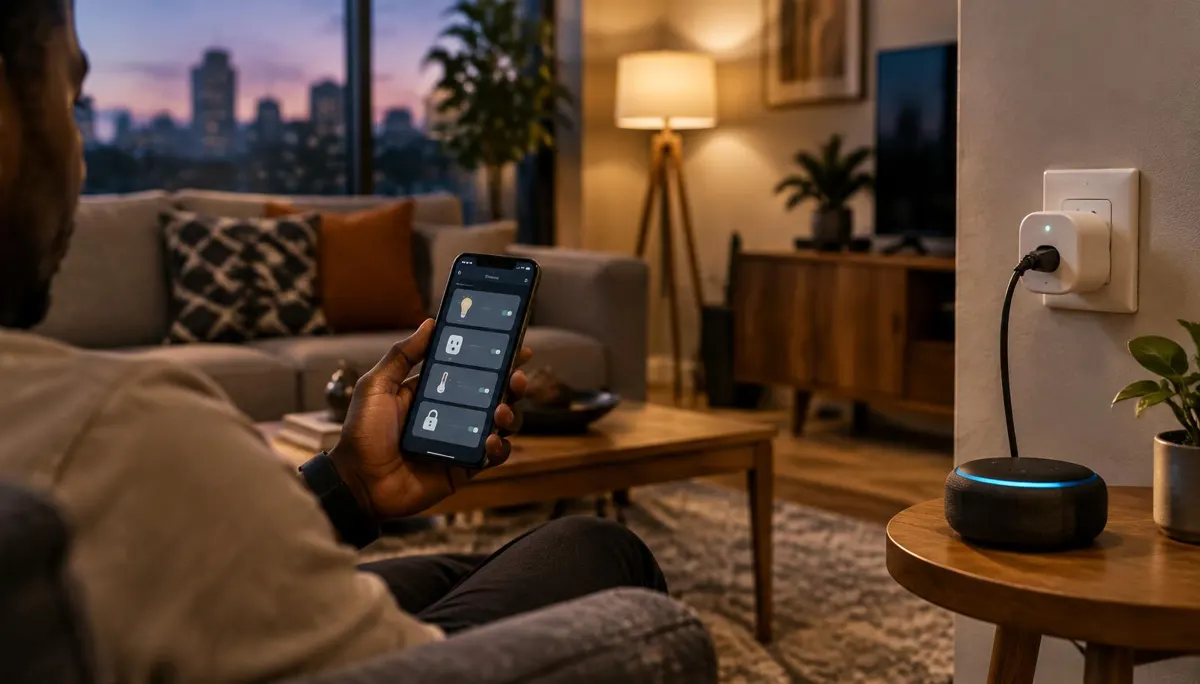
A smart plug with built-in energy metering is the cheapest way to see what each appliance costs you. Plug in the freezer for a few days and you know its daily kWh; do the same for the decoder and TV. Look for:
- Energy monitoring (watts, kWh history) — not every smart plug has it.
- Rated current of at least 16 A for anything bigger than a TV. Never put an AC, iron or water heater on a 10 A plug.
- Local control. Plugs that support Matter keep working on your home network even when the internet drops.
- Power-on behaviour settings, so the plug stays off when grid power returns instead of switching everything on at once.
Use schedules to cut standby drain: switch the TV, decoder and sound bar off from 1:00 AM to 6:00 AM automatically.
Device 2: a smart switch or timer for the water heater
A water heater left on for eight hours a day can burn more energy than everything else in a bedroom combined. A heavy-duty smart switch (rated 20 A or higher, installed by an electrician) lets you heat water only for 30–45 minutes before your morning shower. Most tank heaters hold temperature for hours once the element switches off, so you lose little comfort.
Device 3: smart IR controllers for air conditioners
Most split ACs use infrared remotes. A small smart IR hub learns those signals so you can:
- Set the AC to 24–25 °C instead of 16 °C. Each degree higher typically cuts cooling energy by a few percent, according to guidance from the U.S. Department of Energy.
- Schedule it to turn off an hour after you sleep, when the room is already cool.
- Switch it off from your phone when you leave home and forget.
If you are buying a new AC, an inverter model will save far more than any gadget — but an IR controller makes an older unit smarter for a fraction of the cost.
Device 4: motion sensors and smart bulbs
LED bulbs already use around 75% less energy than incandescent bulbs, per the DOE's lighting guide. Smart bulbs add schedules and motion triggers, which help most in corridors, toilets, stores and outdoor security lights. A motion sensor that turns the compound light off after five minutes of no movement beats one that burns all night.
Protecting your inverter battery
On inverter or solar power, every watt drawn shortens your backup time. Smart automations help here too:
- Create an "inverter mode" scene that turns off non-essential plugs — water dispenser, heater, second TV — when you switch to backup.
- Stagger heavy loads. Running the pumping machine and iron together can overload a small inverter; schedules keep them apart.
- Watch the numbers. Energy-monitoring plugs show exactly which load is draining the battery overnight.
Battery health also depends on how deep you discharge it, the same principle covered in our guide to phone battery myths and facts: shallower cycles mean longer life.
What not to automate
- Fridges and freezers on schedules. Cutting their power repeatedly spoils food and strains the compressor on restart. Monitor them; don't switch them off.
- Cheap no-name plugs on heavy loads. Overheating plugs are a fire risk. Buy certified products and respect the current rating.
- Everything through one cloud app. If the app's servers go down, your home stops working. Prefer devices with local control.
A realistic savings plan
| Step | Cost level | Expected impact |
|---|---|---|
| Monitor top 3 appliances with metering plugs | Low | Reveals the real wasters |
| Schedule standby cut-off for TV/decoder | Low | Small but steady savings |
| Time-limit the water heater | Medium | Large savings if used daily |
| IR controller for AC with sensible set point | Low–medium | Large savings on heavy AC users |
| Motion-controlled lighting in low-traffic spaces | Low | Moderate savings, longer bulb life |
Start with monitoring. Once you see the numbers, the next purchase decides itself.
Frequently asked questions
Do smart plugs use electricity themselves?
Yes, but very little — usually under 1 W. That is far less than the standby drain they help eliminate.
Can a smart plug run an air conditioner?
Only if it is rated for the AC's current, usually 16 A or more, and the manufacturer explicitly allows it. For most split ACs, an IR controller is safer and cheaper.
Will these devices work during internet outages?
Devices with local control, such as Matter-certified plugs and bulbs, keep running schedules and automations on your home network. Cloud-only devices may stop responding.
Is it worth it on prepaid meters?
Yes. Prepaid users feel savings immediately because units last longer, and metering plugs make it easy to see which appliance is eating them.