Matter and Thread Explained: How to Build a Smart Home That Survives Power Cuts
Matter ends smart home lock-in and Thread keeps devices working locally. Here is how to choose devices and set up a system that stays reliable through outages.

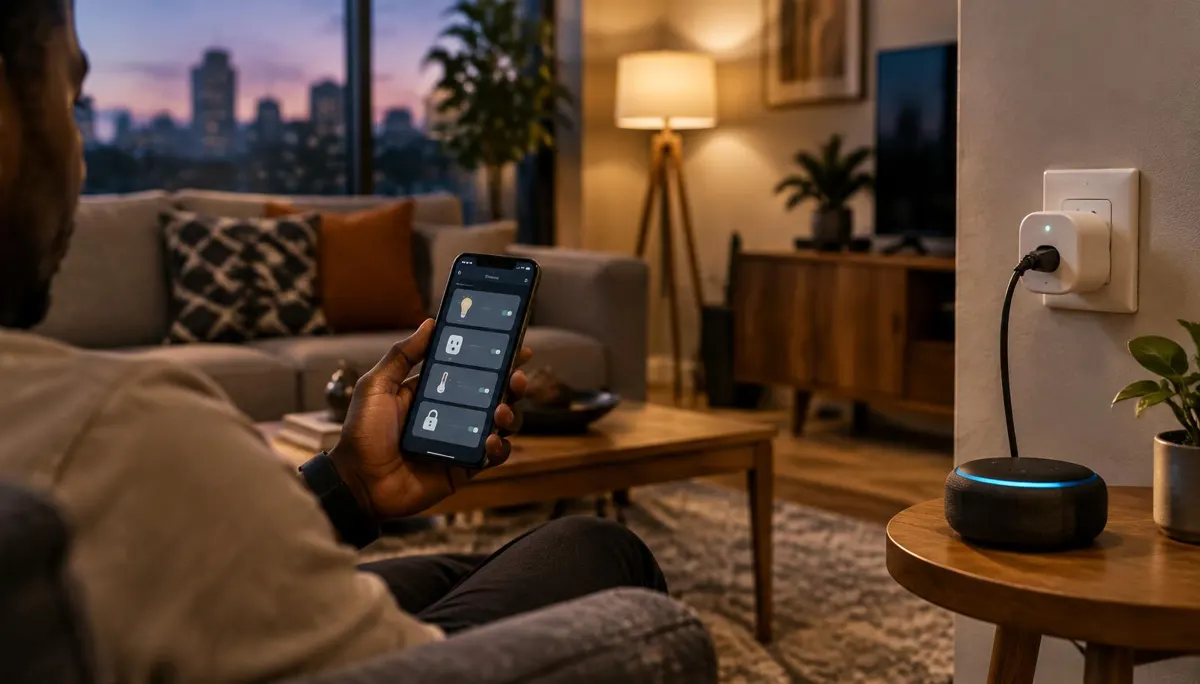
You buy a smart bulb because the box promises "works with Alexa." A year later you switch to an Android phone and Google Home, and half your devices refuse to join. Or a power cut in the middle of the night knocks your Wi-Fi router offline, and every "smart" light in the house becomes a dumb one until the inverter kicks in and the router reboots.
These two problems, ecosystem lock-in and dependence on the cloud, are exactly what the Matter standard was built to fix. Combined with a low-power mesh network called Thread, Matter changes how you should shop for smart home gear in 2026, especially in homes where electricity and internet are not always stable.
This guide explains what Matter and Thread actually do, what they don't do, and how to build a reliable smart home that keeps working through outages.
What Is Matter, in Plain Terms?
Matter is an open, royalty-free connectivity standard managed by the Connectivity Standards Alliance (CSA), the group formerly known as the Zigbee Alliance. Apple, Google, Amazon and Samsung all helped create it and all support it.
Before Matter, every smart device spoke the language of whatever app its maker chose. A Matter-certified device speaks one shared language, so the same plug can be controlled from Apple Home, Google Home, Amazon Alexa or Samsung SmartThings without buying a different version for each.
Three things make Matter different from older "works with" badges:
- Local control first. Matter devices talk to each other over your home network. Turning on a light does not need a round trip to a server in another country, so commands are faster and keep working when your internet connection drops.
- Multi-Admin. One device can be controlled by several ecosystems at once. Your partner can use Google Home on Android while you use Apple Home on an iPhone, both controlling the same bulb.
- Standard setup. Every Matter device pairs the same way: scan the QR code or type the 11-digit setup code printed on the device or its box.
The standard has grown quickly since version 1.0 launched in late 2022. The Matter 1.4 release added Enhanced Multi-Admin for smoother syncing across ecosystems, support for home routers that double as Thread Border Routers, and new energy-management device types including solar inverters, home batteries, heat pumps and water heaters.
Matter vs. Thread: Not the Same Thing
People often use the two words interchangeably, but they do different jobs.
Matter  = the LANGUAGE devices speak (what "turn on" means)
Thread  = one of the ROADS that carry the message (how it travels)
Wi-Fi   = another road Matter can use
Ethernet = a wired road, mostly for hubs and bridges
A Matter device can run over Wi-Fi or over Thread. Both are fully Matter, but they behave very differently in a real home.
Wi-Fi Matter devices
Smart plugs, cameras and appliances that draw steady power usually use Wi-Fi. They are easy to set up because you already have a router. The downside is that each device adds load to your router, and battery-powered gadgets drain quickly on Wi-Fi.
Thread Matter devices
Thread is a low-power mesh network built on IPv6. Each mains-powered Thread device (a plug or bulb) can relay messages for its neighbours, so coverage gets stronger as you add devices instead of weaker. Battery sensors, such as door contacts and motion detectors, can run for a year or more on a coin cell.
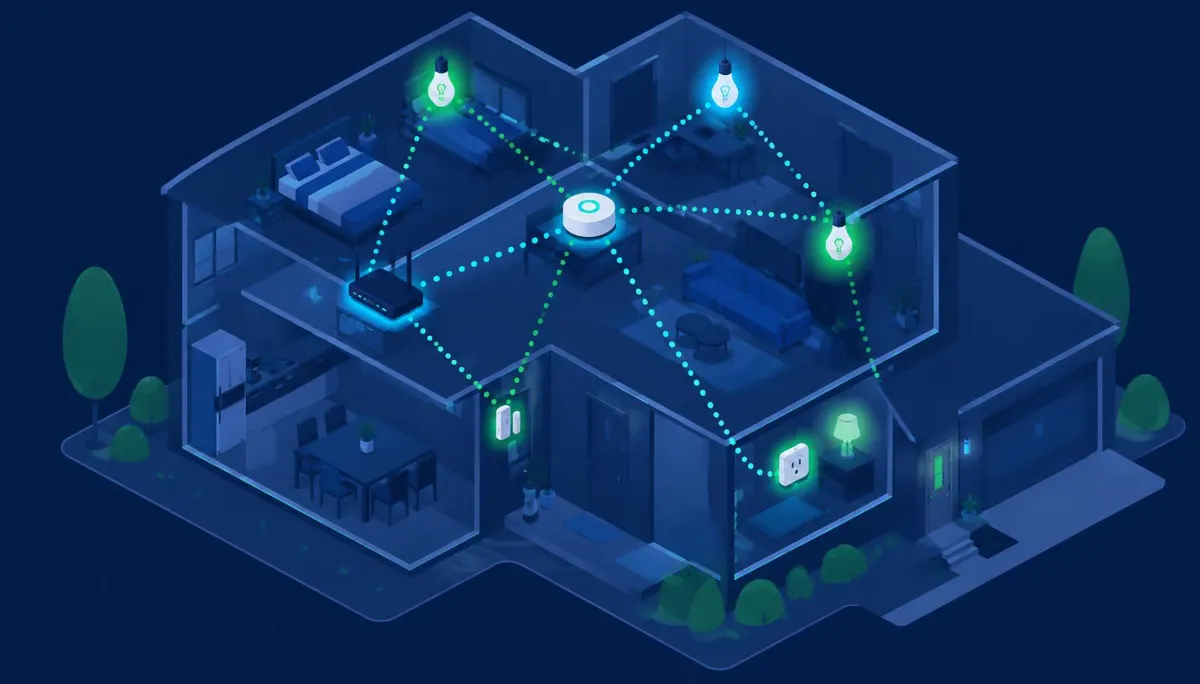
To use Thread you need a Thread Border Router, a device that bridges the Thread mesh to your Wi-Fi network. You may already own one: recent Apple TV 4K and HomePod models, Google Nest Hub (2nd gen) and Nest Hub Max, Nest Wifi Pro, and several Amazon Echo models include one.
Early on, border routers from different brands often formed separate Thread networks instead of one shared mesh, which made devices unreliable. As industry reviews of Matter's progress note, newer firmware and credential sharing between ecosystems have largely addressed this, but it is still smart to keep your border routers within one or two ecosystems.
Why This Matters for Homes With Unstable Power
Most smart home guides assume constant electricity and fibre broadband. Many homes in Nigeria run on a mix of grid supply, inverter and generator, with changeovers several times a day. That changes what "reliable" means.
1. Every changeover reboots something. When power switches from grid to inverter, a router without backup restarts. Cloud-only devices are useless for the minutes that takes, and some never reconnect without a manual reset. Matter's local control means automations stored on a hub keep running as long as the hub and devices have power.
2. Put the brain on the backup circuit. Your router, your Thread Border Router (Apple TV, HomePod or Nest Hub) and any bridge should all sit on the inverter or a small UPS. If these stay alive, the whole system stays alive. If you have not hardened that router yet, the steps in this guide to securing your home Wi-Fi network are worth doing first, because every smart device inherits the router's security.
3. Check the "power-on behaviour" setting. Many smart bulbs and plugs default to turning on when power returns. After a 3 a.m. changeover that means every light in the house blazing. Look for devices whose app lets you set the restore state to "off" or "last state."
4. Watch the surge rating. Changeovers and generator start-ups can cause voltage spikes. Smart plugs rated for 16A, with overload protection, cope better than the cheapest 10A models. Never put a smart plug between an inverter and a high-draw load like an air conditioner or pressing iron.
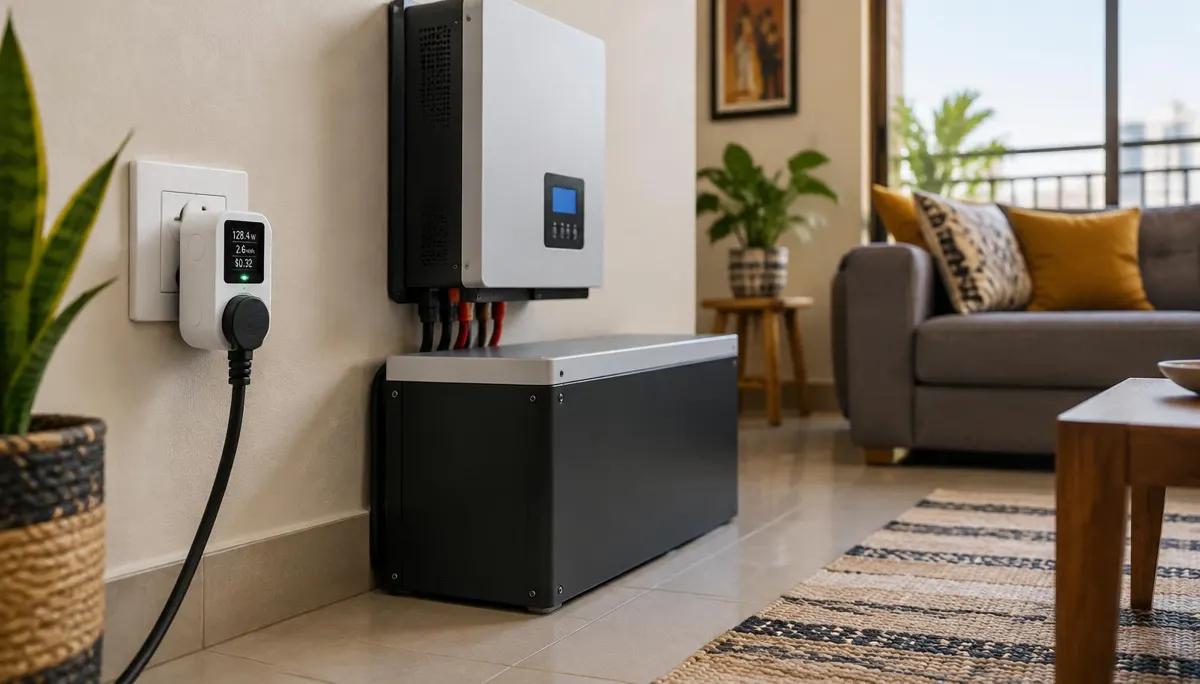
5. Use energy monitoring to protect your inverter. Smart plugs with energy monitoring show exactly how many watts a fridge, TV or decoder draws. That data tells you what your inverter battery can realistically carry overnight, and lets you build automations, for example switching off a water dispenser when the house moves to battery. Combined with smarter phone charging habits, it is one of the cheapest ways to stretch backup hours.
How to Shop for Matter Devices in 2026
Look for the right logo
Only buy devices that carry the official Matter logo (three arrows meeting at a point) and, ideally, list a Matter certification on the box or the CSA certified product database. "Matter-ready" or "Matter coming soon" means the feature depends on a future update that may never arrive.
Match the network to the device
| Device type | Best network | Why |
|---|---|---|
| Smart plugs | Thread or Wi-Fi | Thread plugs strengthen your mesh |
| Smart bulbs | Thread | Low router load, acts as mesh repeater |
| Door / motion sensors | Thread | Long battery life on coin cells |
| Security cameras | Wi-Fi | Video needs Wi-Fi bandwidth ; check that Matter camera support is listed |
| Robot vacuums, appliances | Wi-Fi | Steady power, larger data |
Decide your "home base" ecosystem
Matter lets you mix ecosystems, but setup is smoothest when one app is your main controller:
- iPhone household: Apple Home with an Apple TV 4K or HomePod as hub and border router.
- Android household: Google Home with a Nest Hub or Nest Wifi Pro.
- Alexa users: an Echo model with a built-in Thread Border Router.
You can then add the same devices to a second ecosystem through Multi-Admin, using the "share device" or "linked Matter apps" option.
Know the current limits
Matter is not finished. Some advanced features, such as a camera's motion zones or a robot vacuum's room maps, may still need the maker's own app. Ecosystems also update at different speeds, so a brand-new device type might work in one app months before another. Buy for the features Matter supports today, not for promises.
A Starter Setup That Survives Power Cuts
If you are starting from zero, this order of operations avoids the most common headaches:
- Put your router and hub on backup power (inverter circuit or a small UPS).
- Pick one hub that is also a Thread Border Router.
- Start with two or three Thread smart plugs on lamps or a fan. They extend the mesh for everything you add later.
- Set every device's power-on behaviour to "off" or "last state."
- Add battery sensors (door, motion) once the mesh is in place.
- Build local automations in your hub app, such as "turn the porch light on at sunset," which run without internet.
- Only then add a second ecosystem through Multi-Admin if someone else in the house needs it.
As more processing moves onto local chips, a trend explored in this look at on-device AI in consumer electronics, smart homes that depend less on the cloud will become the norm rather than the exception.
Frequently Asked Questions
Do Matter devices work without internet?
Yes, for local control and automations stored on your hub, as long as the devices, hub and router have power. Remote control from outside the house and voice assistants that process speech in the cloud still need internet.
Will my old smart devices work with Matter?
Some will. Certain brands have released firmware updates that add Matter, and hubs such as Philips Hue Bridge or SmartThings can "bridge" older Zigbee devices into Matter. Devices with no update or bridge stay in their original app.
Do I need a Thread Border Router for Wi-Fi Matter devices?
No. Wi-Fi Matter devices only need your router and a Matter controller (phone app or hub). A Thread Border Router is required only for Thread devices.
Is Matter more secure than older smart home devices?
Matter requires device attestation certificates and encrypted communication, which raises the baseline compared with many older budget devices. Your overall security still depends on a strong router password, WPA2 or WPA3 encryption and keeping firmware up to date.
Are Matter devices more expensive?
Prices have dropped sharply since 2023. Matter smart plugs from mainstream brands now cost about the same as non-Matter versions did a few years ago, and you avoid paying twice when you switch ecosystems.
The Bottom Line
Matter makes smart home gear future-proof: buy once, use it with any major ecosystem, and keep control local. Thread makes it reliable: a self-strengthening mesh with long battery life. In homes with frequent outages, the winning formula is simple. Put your router and hub on backup power, choose certified Matter devices with sensible power-on settings, and build automations that run locally. Do that, and your smart home will keep working when the grid doesn't.